Getting Started with Styling
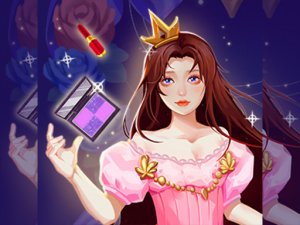
Frosty Fashion Studio opens with a simple selection screen where players pick one of three princesses to style. Each character offers a blank canvas for creative expression. The interface uses clear icons and touch-friendly buttons, making navigation straightforward for younger audiences. No account creation or download is required, so play begins immediately after loading the page. This approach keeps the focus on the styling activities rather than technical setup.
Makeup Application Options
The first styling stage focuses on facial cosmetics. Players apply waterproof makeup in vivid shades such as deep reds, purples, and blues. The selection includes lip colors, eye shadows, and cheek tints. Each choice alters the princess's appearance noticeably, encouraging experimentation with different color combinations. The makeup tools respond to clicks or taps, providing immediate visual feedback. This section helps children understand how color choices affect overall looks.
Winter Wardrobe Selection
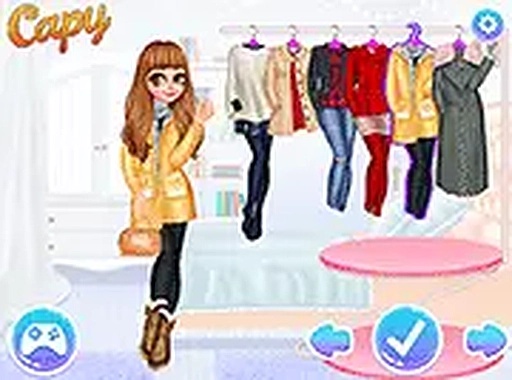
After completing makeup, players move to the wardrobe area. Here they browse a collection of cold-weather clothing items including sweaters, coats, scarves, and boots. The outfits reflect current winter fashion trends but remain suitable for a fantasy setting. Players can mix and match tops and bottoms, layer accessories, and preview the complete ensemble before finalizing. The wardrobe interface allows easy swapping of items, so trying different combinations feels natural and fun.
Nail Art and Color Themes
The final styling step involves manicure design. Players paint each princess's nails, with a suggested emphasis on blue shades to match the winter theme. The nail art tools include various polish colors and simple patterns. This section reinforces color coordination skills as children decide which blues complement the chosen makeup and outfit. The manicure activity adds a finishing touch that completes the overall look, teaching attention to detail.
Replay Value and Creative Exploration
Frosty Fashion Studio encourages multiple play sessions. Each princess can be styled differently each time, and the game saves no progress, so every session starts fresh. This design promotes repeated experimentation with color palettes, outfit combinations, and nail designs. Children can explore how different makeup looks pair with various winter coats or how nail colors either match or contrast with clothing. The open-ended nature supports creative thinking without time pressure or scoring.
Technical Accessibility
The game operates smoothly on both mobile devices and desktop computers through a standard web browser. Controls adapt to touch screens and mouse input equally well. The graphics remain clear on smaller screens, and the interface scales appropriately. No plugins or additional software are needed. This broad compatibility means children can play on family tablets, smartphones, or home computers without special setup, making the game accessible during travel or at home.







Comments
0 comments