What players say
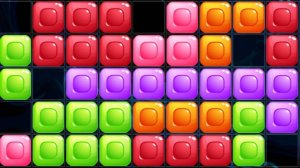
Jam Cube Puzzle Quest offers a cheerful and relaxing puzzle experience. The simple click-and-drag controls make it accessible for everyone, while the increasing difficulty keeps it engaging. The game runs smoothly on all devices, making it a great choice for quick play sessions. Its family-friendly design ensures fun without stress.
About this game
Game Introduction
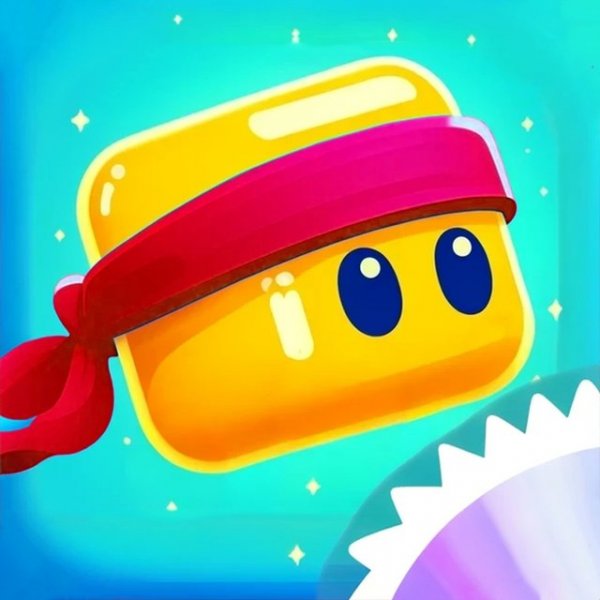
Jam Cube Puzzle Quest is a cheerful puzzle adventure where players guide a small, colorful cube through a series of interconnected levels. The core objective is to navigate each stage by jumping from one platform to another, avoiding various obstacles that block the path. The game is designed to be accessible and enjoyable for players of all ages, with a focus on timing and careful planning. Each level presents a new layout, encouraging players to think ahead and adjust their strategy. The game runs smoothly on most modern devices, including computers, phones, and tablets, making it easy to play anywhere. Full-screen support enhances the experience, allowing players to focus on the action. With a family-friendly rating, this game is suitable for children and adults alike.
How to Play
Players control the cube using simple click-and-drag actions. To jump, click on the cube and drag to set the direction and power of the jump. Releasing the mouse button sends the cube flying toward the target. The goal is to land safely on platforms and reach the exit of each level. Obstacles such as spinning blades and sticky surfaces can stop progress, so timing and accuracy are key. Players must observe the level layout before making a move, as each jump requires careful planning. The game rewards patience and practice, as repeated attempts help players learn the best path through each stage.
Game Features
This game includes a variety of levels that gradually increase in difficulty, providing a steady challenge for players. The controls are straightforward, making it easy for newcomers to pick up and play. Full-screen support is available for an immersive experience. The game is optimized for multiple platforms, including desktop browsers, mobile phones, and tablets, ensuring consistent performance across devices. The cheerful visual style and simple mechanics make it a great choice for casual gaming sessions.
Tips for Success
Take time to study each level before making your first move. Observe the placement of obstacles and plan a route that avoids them. Practice your jumps to improve your sense of distance and timing. If you fail, use the experience to adjust your approach. Staying calm and focused helps you make better decisions. Regular practice will build your skills and make progress easier.